
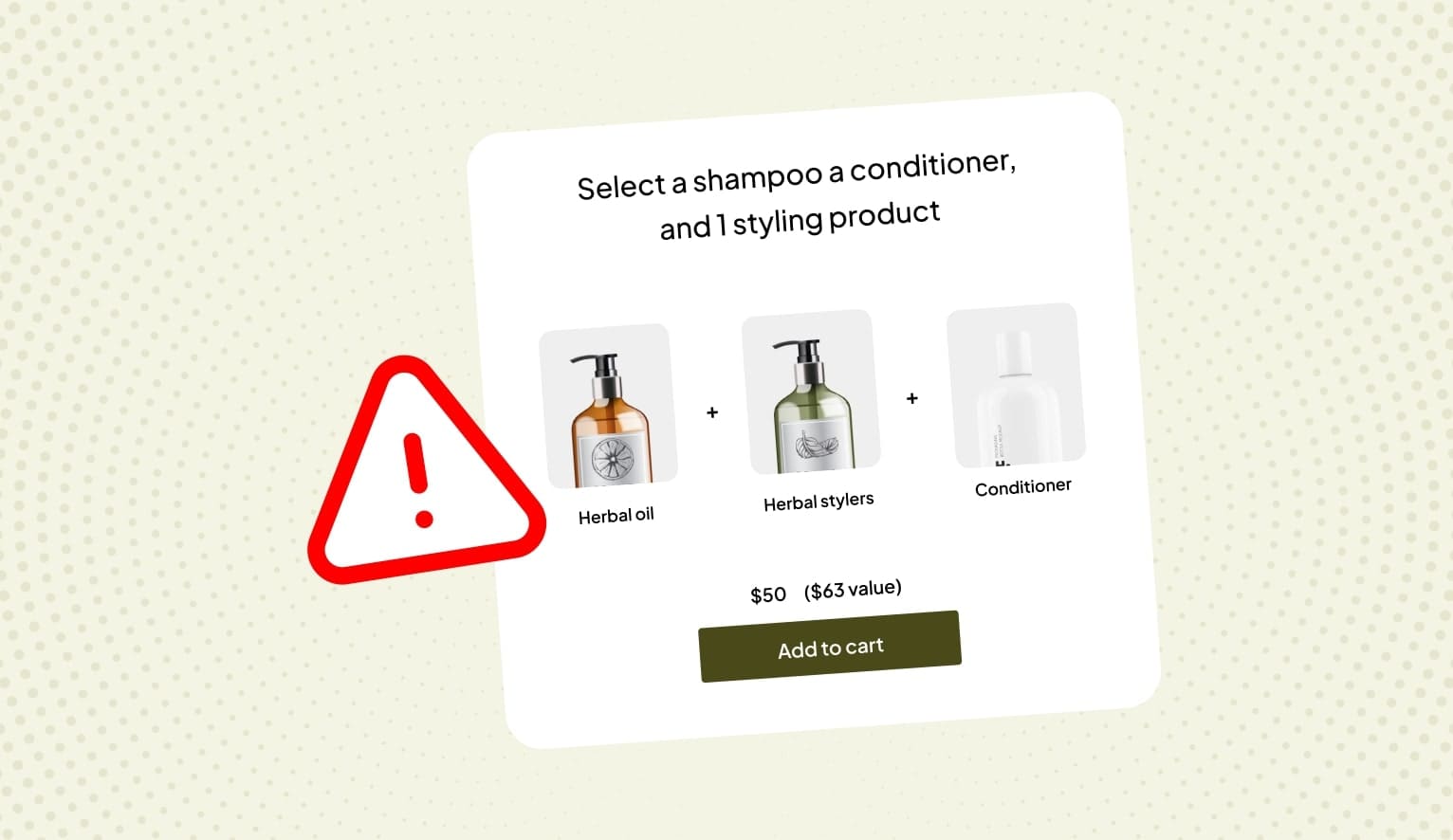
Wondering why your Shopify bundles average order value (AOV) isn’t increasing? Or why the bundle sales are going down?
Could the root cause be unidentified Shopify bundling issues?
In this blog, we discuss the most common Shopify bundling issues that merchants tend to miss, how they impact conversions, and the solutions to overcome those issues.
Curious to know?
Read on!
1. Pricing and discounting bundles
Pricing bundles in a way that they are profitable can be tricky. Many brands struggle to increase AOV. That’s mostly because of poor pricing strategies, which is a common Shopify bundling issue.
But what kind of discounts should you offer on bundles? Offering too much can eat into your profits, and too little might not be enough to generate sales.
Another challenge that businesses face related to pricing is technical. Shopify’s default features may not be sufficient for strategic pricing. Pricing complex bundles requires more expertise.
This is why you need to integrate other apps that help with profitable pricing, and discounting. For example, Appstle Bundles & Discounts App is an intuitive tool built for bundles. The app provides dynamic discounts features.
2. Shipping, order fulfillment and inventory management
Imagine your Shopify store receives orders for 100 bundles but you are not prepared or equipped to fulfill more than 50 orders at a time? Non-fulfillment of their orders can leave customers frustrated.
Shipping and order fulfillment is a crucial element of bundles. It involves many tasks, such as updating SKUs, dispatching orders, and addressing fulfillment gaps.
Moreover, in bundles, customers can end up buying multiple SKUs. And so, if your bundle inventory is not in sync, it can get really messy. For instance, you could end up over-selling products, delaying shipments, leading to unhappy customers.
Not planning shipping order fulfillment is a common Shopify bundling issue. Additionally, poor inventory management is also related to this issue. Many shopify stores make the mistake of not using automation for order fulfillment and inventory management, and hence fail because they try to do everything manually.
The solution: Integrate a bundling app on your Shopify store that has the capabilities to manage shipping, automate bundle inventory sync, order fulfillment, communication to customers, and other processes.
3. Choosing products to bundle together
Another common Shopify bundling issue that many brands face is deciding which products to bundle together. Should you bundle products that customers usually buy together? Or should you create data-driven bundles based on other findings? It’s tricky.
Here are some solutions to this Shopify bundling issue:
- Collect data from your past orders. Look at the purchase history to identify products that customers bought together. For example, a face cleanser, toner, and moisturizer can be clubbed into a skincare bundle
- Bundle a high-value product with other fast-selling, low value items. This way, you can ensure a high average order value and keep your bundle profitability steady
- Create seasonal bundles. Not only does it create excitement for trying seasonal products, but also causes FOMO and urgency for customers to buy the bundles before the season passes or the bundles get sold out
4. Making bundles seamless and error-free
One of the biggest Shopify bundling issues is that brands create profitable bundles but ignore the other factors around it. For instance, marketing or setting up customer support for bundles, or promoting bundles so consumers discover them.
Here are some bundle error fixes you should work on to drive traffic and sales from bundles:
- Feature bundles prominently on your Shopify store. Create a dedicated page or section just for listing bundles. Ensure each bundle page is comprehensive with information, discounting details, etc.
- Make sure your bundle inventory sync is automated and efficient. If it isn’t, it may cause problems, such as over orders of bundles, delayed shipping, error in sending notifications to customers
- Automate customer support for bundles, train support agents to respond to bundle related queries, and find quick solutions to any problems that arise on the Shopify store. Your technical team should be able to fix any issues on the bundles pages quickly
- Use retargeting, social media promotions, email marketing for bundles, collaborate with influencers, and other marketing strategies to ensure your bundle offers get seen by your target audience
5. Not personalizing bundles
81% of customers prefer personalized experiences from brands. A study byMcKinsey has found that personalization can increase ROI by 10 to 30%. And this stays true when it comes to bundles. If your customers see bundles with products irrelevant to them, they will abandon your site faster than you can imagine.
Focus on making bundle-buying experience as personal as possible. How do you do that? Here’s how:
- Integrate a Shopify bundling app, such as Appstle Bundles & Discounts, which has in-built personalization features
- Use data from customers purchase history, browsing behavior, etc. to identify their likes, dislikes, preferences, and market trends
- Use advanced AI and automation tools to help with creating personalized experiences by tailoring bundles to individual customer needs
- Offer different types of bundles, such as dynamic bundles (based on real-time browsing behavior), create your own bundle or DIY bundles (customers can pick and choose products), mixed bundles (club fast-selling products with other products)
Troubleshooting for Shopify bundling issues
Wondering where to begin to find what is going wrong with your Shopify bundling strategies? Here’s a guide that will tell you how to troubleshoot, what information to find, and how.
1. Bundle inventory sync issues
If you notice overselling and mis-match of information in the front-end and inventory, it’s time to figure out why. Here’s what you can do:
- Check if inventory settings are not configured
- Third-party app integration with your Shopify inventory
- Error in automating stock alerts based on your inventory
- Any manual updates not reflecting in your inventory
2. Bundle pricing and discounting errors
Do errors such as incorrect discounts, delay in updating bundle component pricing, and mis-match in currency conversion crop up in your Shopify store? Here’s what you should do:
- Check if there are any discount logic faults
- Hardcoded bundle pricing not reflecting
- Tax calculations not included in bundle pricing
- Check bundle pricing rules
3. Issues with bundle components
If the bundle components are not displayed properly or some products are missing, it’s time to troubleshoot. Follow these steps and bundle error fixes:
- Look for any theme compatibility problems
- Identify missing or corrupted product data
- Run tests in default Shopify themes
- Contact Shopify bundle app support
- Look for conflicting liquid tags
- Check if CSS isn’t hiding bundle elements
4. Bundle checkout and cart issues
Are there checkout issues, are bundles splitting into individual products at checkout, or are the discount codes not applying at the time of checkout? Fix these issues to provide a smooth bundle experience to customers.
- Check if cart drawer customizations are causing structural problems
- Identify issues with payment gateway incompatibility
- Review discount code rules and related conflicts
- Ensure bundle products maintain correct groups
- Test cart functionality on different devices and browsers
- Try the checkout process with different bundles
- Verify payment gateway and shipping calculation settings
5. Problems with data analytics and reports
If you’re facing issues with tracking bundles sales, individual components, and others related to data and analytics reports, here’s how you can find the root cause and bundle error fixes:
- Check it the analytics tracking is not configured properly
- Identify problems with third-party app integrations
- Is the custom tracking code missing?
- See if bundle products have unique SKUs
- Set up custom tracking for bundles
- Create product tags to categorize bundle products
- Create custom reports
- Check if the Shopify bundle app is connected to Google Analytics
Wrapping up: Have you identified Shopify bundling issues in your store?
To ensure a smooth and uninterrupted bundles experience to your customers, you have to constantly monitor performance on your Shopify store, identify errors, and engage in Shopify troubleshooting.
Not doing so can show us errors, delays, slow page loads, non-fulfilment of orders, and more such issues on your site. To provide a smooth bundles experience, integrate an efficient Shopify bundling app.
Install Appstle Bundles and Discounts App on your Shopify store today!
FAQs
What are some reasons bundles fail to increase AOV?
Poor pricing strategies, traditional discounting strategies, and not setting clear goals from bundles can lead to low AOV.
Which is the best strategy to bundle products together?
Identifying which products to bundle together is a common Shopify bundling issue, which can be solved by using past data and trying out different strategies, such as mixed bundles, seasonal bundles, DIY bundles, etc.
What causes bundling checkout issues?
Bundling checkout problems can be caused due to lack of regular eCommerce troubleshooting and maintenance.
Why aren’t my Shopify bundle sales showing correctly in analytics?
The reasons could be many, such as missing or incorrect configuration of analytics tracking, third-party app integration issues, bundles lacking unique SKUs, etc.
How to ensure Shopify bundle inventory sync?
Consistently monitor inventory sync settings, verify configurations, third-party app interactions, and automation settings to ensure your Shopify inventory is in sync